Octopus Accessibility Scanner
A downloadable Software for Windows
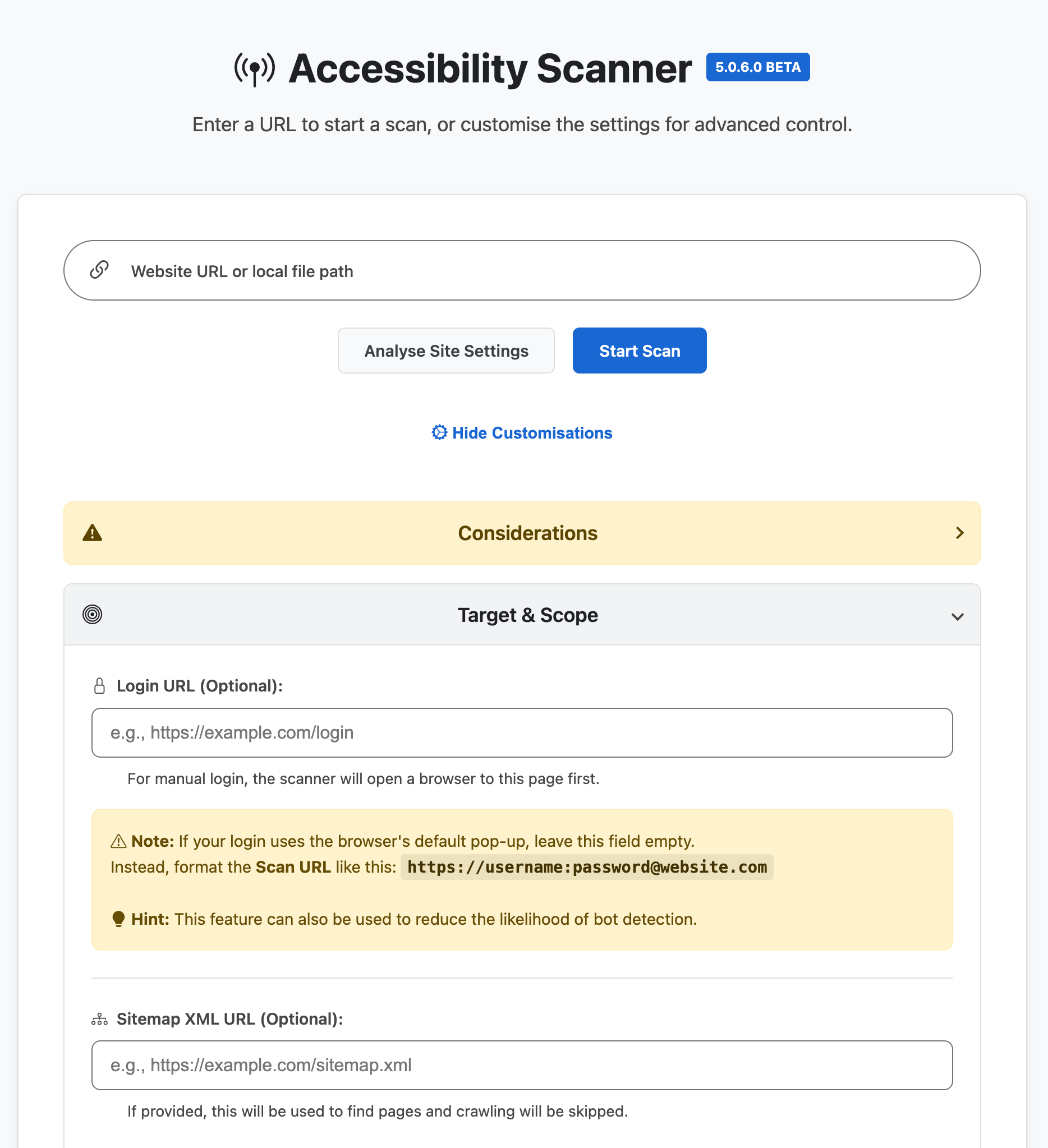
Automated Accessibility Scanning & Reporting
🐙 Kraken Down on Accessibility
Latest Version 5.0.6.0 (BETA)
The Accessibility Scanner is a comprehensive, locally-hosted auditing engine designed to handle the complexities of the modern web. By combining browser automation with the Axe-core standards, it enables a multi-modal workflow covering Full-Domain Crawling, Multi-Domain discovery, and Manual Interactive Audits via a live browser overlay.
The tool is built for depth and reliability, featuring Full Shadow DOM support, a low-code Journey Recorder for authenticated flows, and a Deep Scan engine that automatically interacts with UI components to find hidden defects. Designed for scale, its Adaptive Stealth protocols bypass bot protection while the Memory Guard architecture offloads data to disk to ensure 100% stability on large sites. The final output is an Interactive Review Dashboard, allowing for human verification of automated findings to ensure a high-accuracy audit.
Contact & Bug Reports: accessibilityscanner@icloud.com
📚 Software Guides & Documentation
- The Complete User Guide
- Troubleshooting Guide
- Report Anatomy & Examples
- Terms and Conditions
- Third Party Licences
Technical Feature Overview
The Accessibility Scanner is a desktop application for advanced auditing. It provides developers and A11y specialists with granular control over the scanning process without ever sending sensitive data to the cloud.
Core Auditing Capabilities
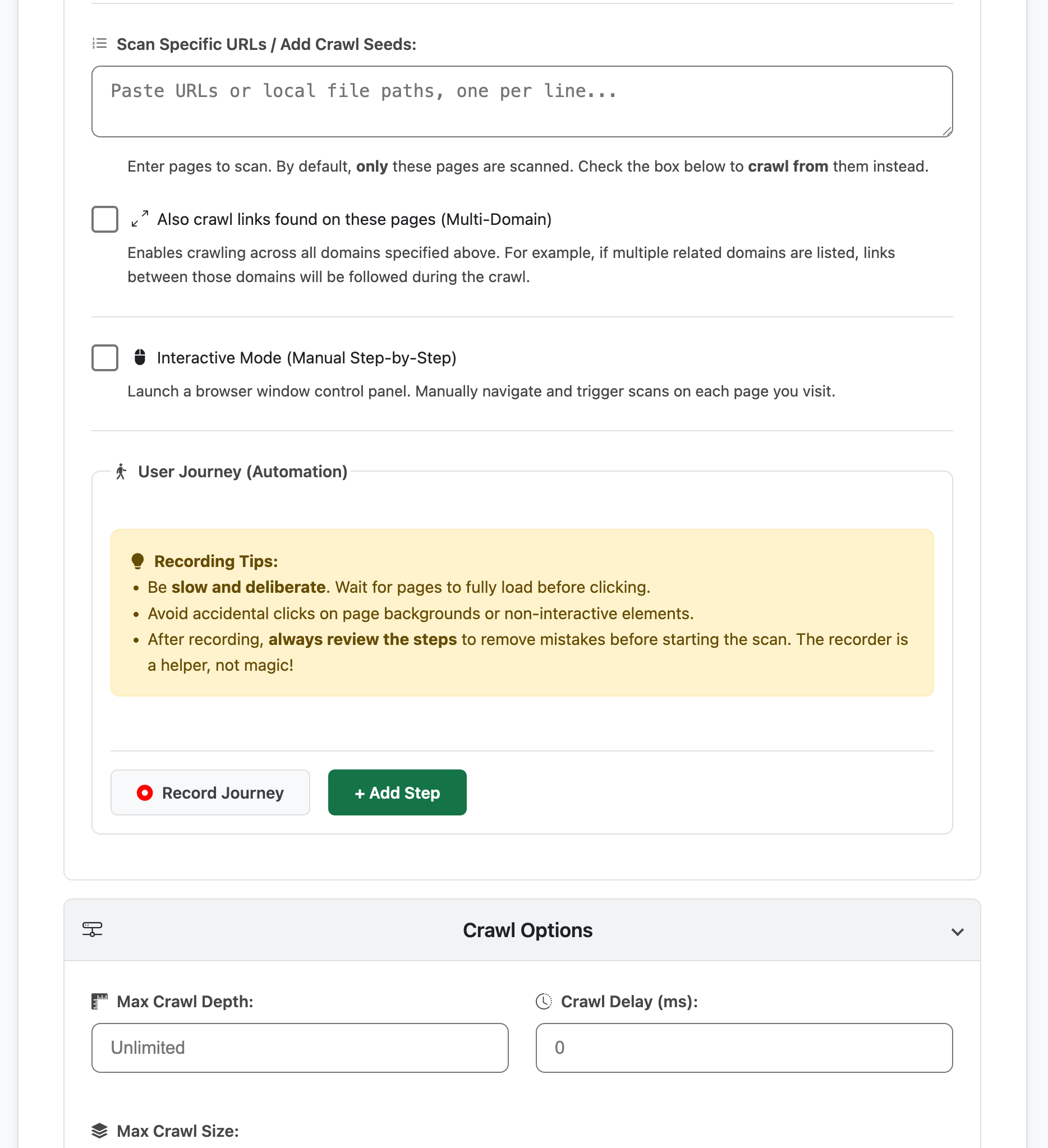
- Hybrid Discovery Modes: Scale your audit from a single page to a full domain crawl. Support includes Sitemap Ingestion (XML or Gzipped), Specific URL Batching, and Multi-Domain Seeding to audit related sites in a single session.
- Interactive Mode (Manual Crawl): Take full control with a live browser overlay. Manually navigate complex page states, menus, and modals, triggering on-demand scans to capture evidence exactly as you see it.
- No-Code User Journeys: Use the built-in Journey Recorder to script and audit complex flows. Capture authenticated sequences (logins, checkouts) by simply interacting with the browser; the scanner replays the script and audits at your defined intervals.
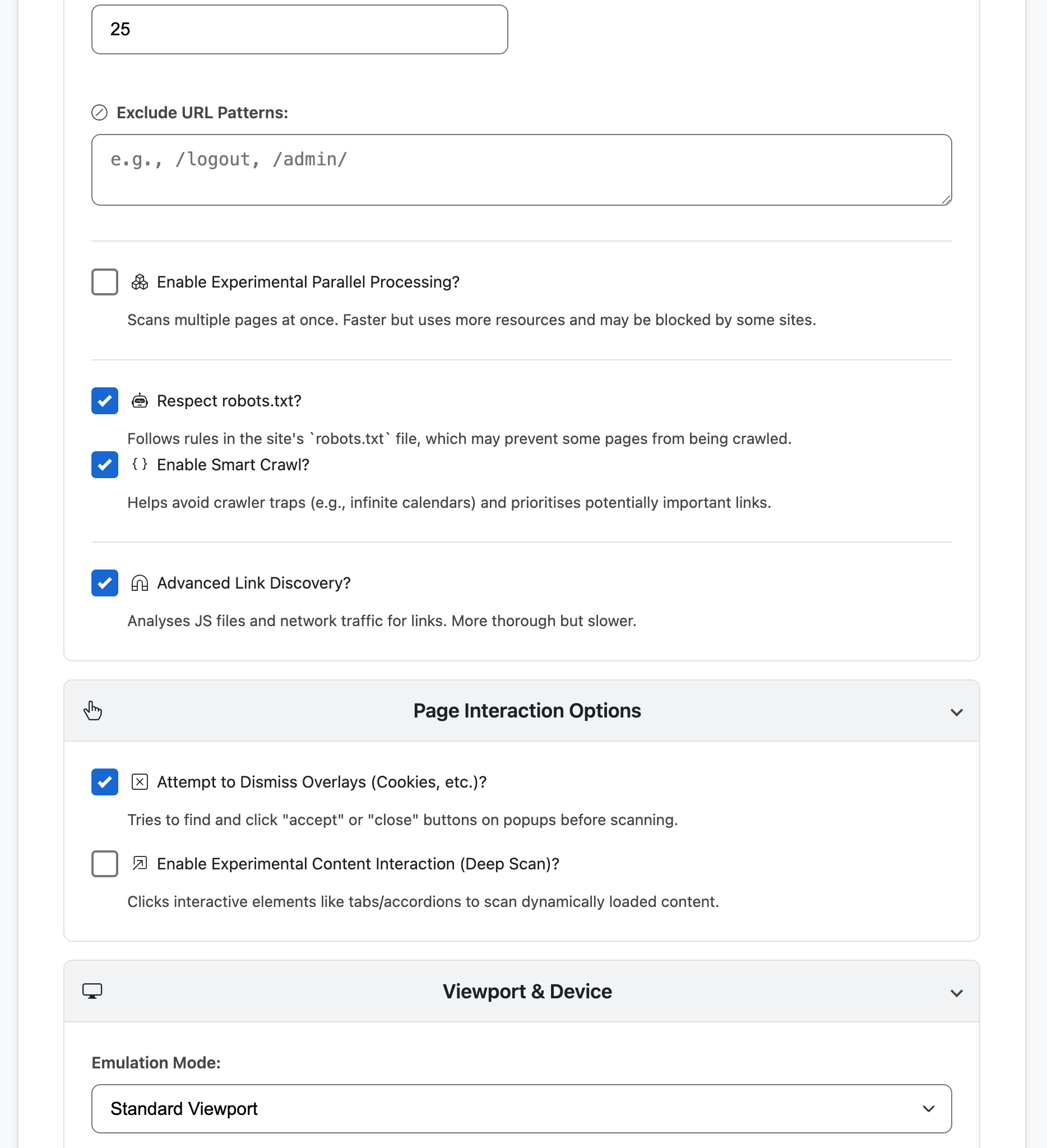
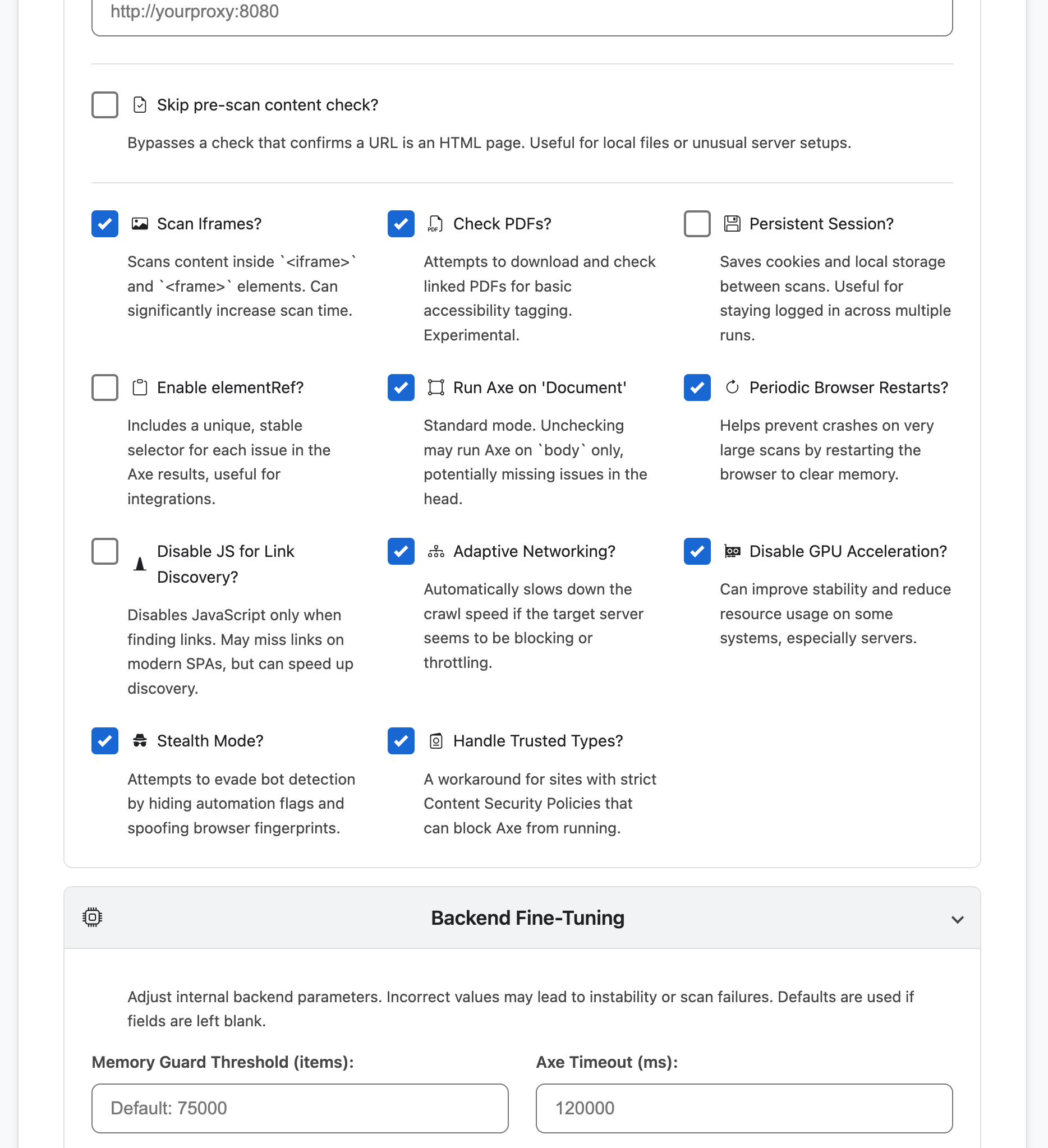
- Dynamic Content & Shadow DOM: The Deep Scan engine identifies issues in dynamic states by automatically triggering interactive elements (tabs, accordions) and re-scanning. Features full Shadow DOM support for auditing encapsulated web components.
- Adaptive Anti-Evasion: Respond to WAFs and bot protection in real-time. The scanner intelligently handles network-level blocking by increasing crawl delays, enabling stealth protocols, and spoofing browser fingerprints (Canvas, WebGL, AudioContext, and Fonts).
Configuration & Control
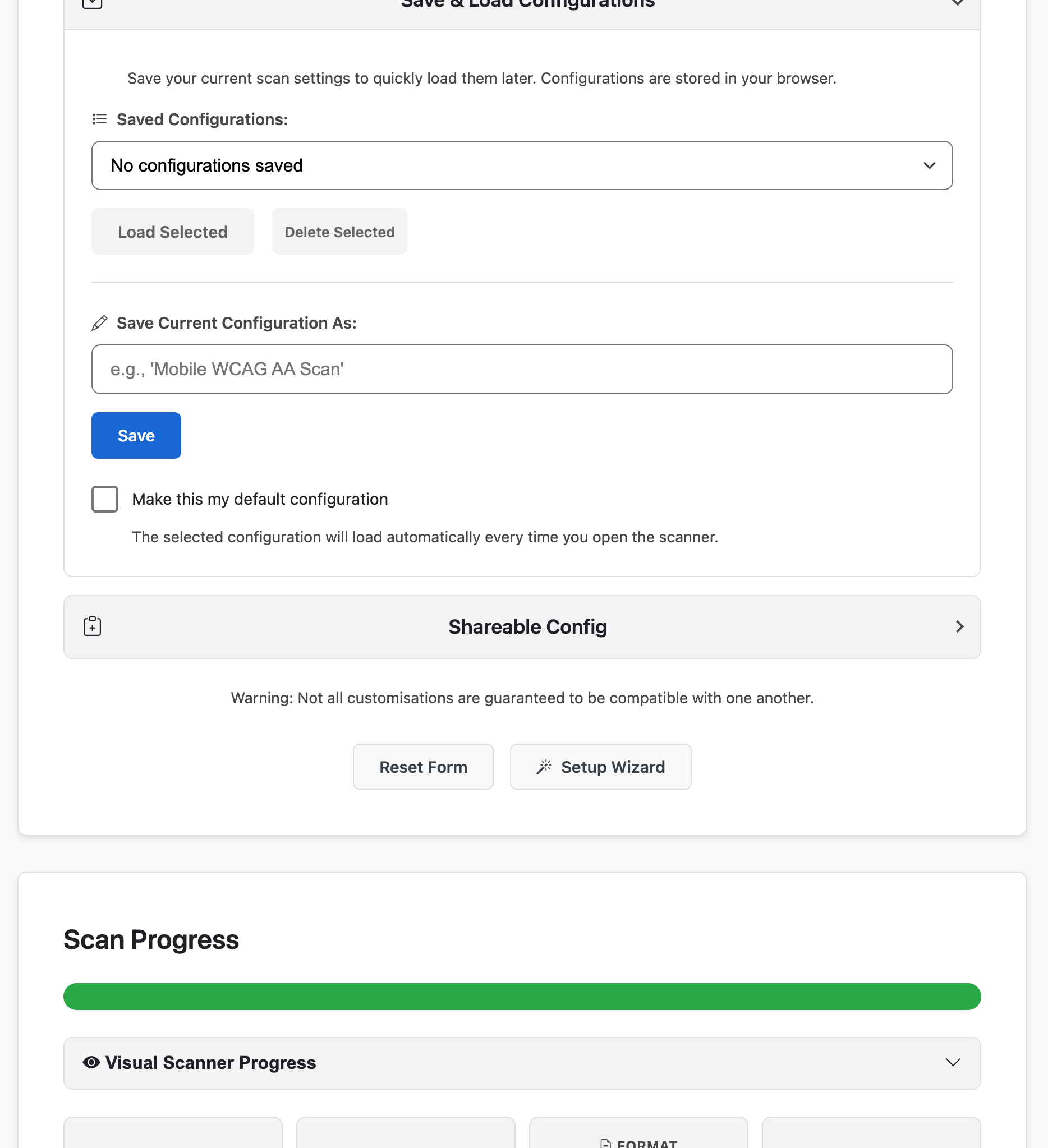
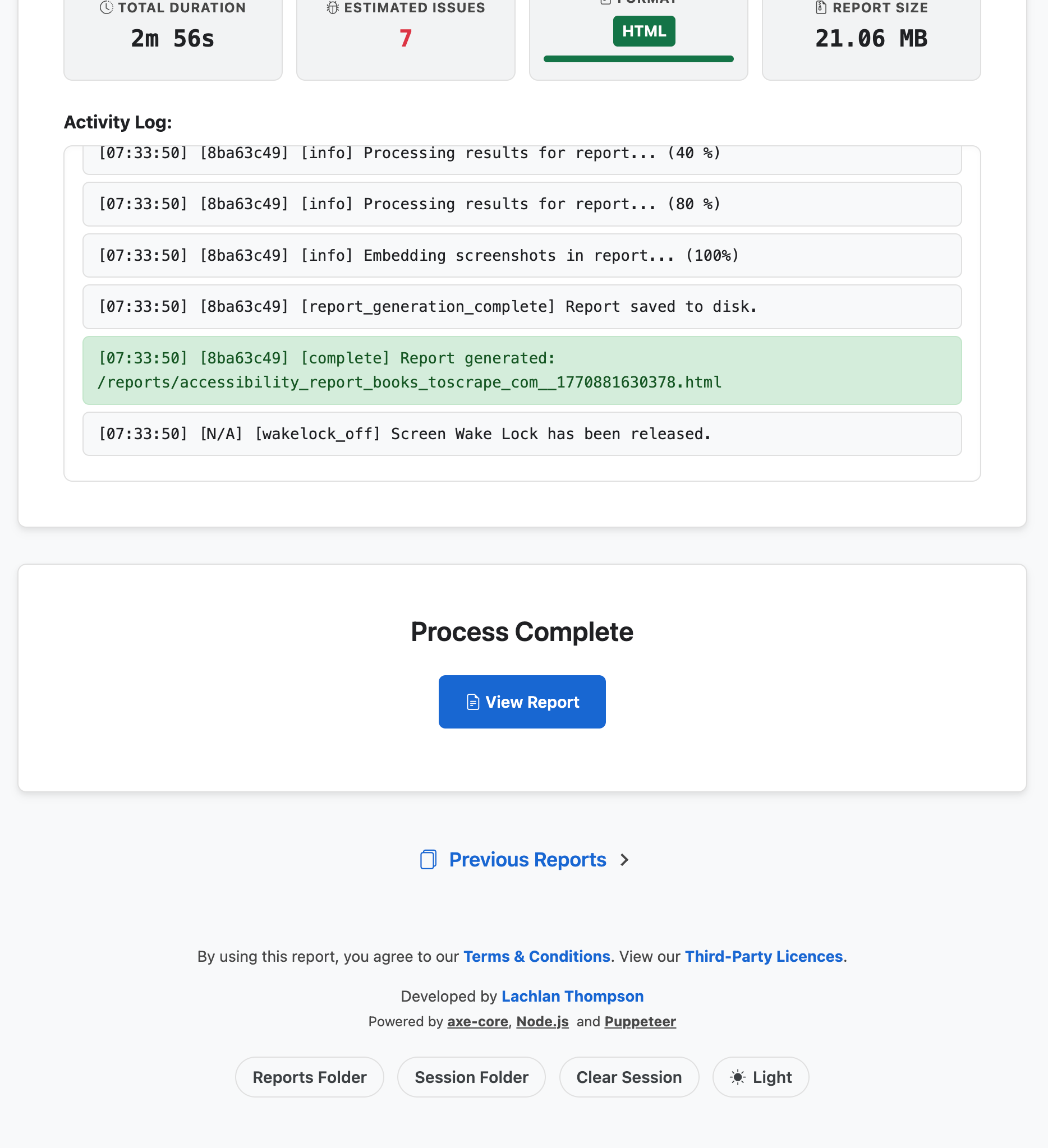
- Live Scan Visualiser: Monitor the "ghost" browser via a real-time visual feed. Verify navigations, observe DOM changes, and debug complex crawls instantly without relying solely on technical logs.
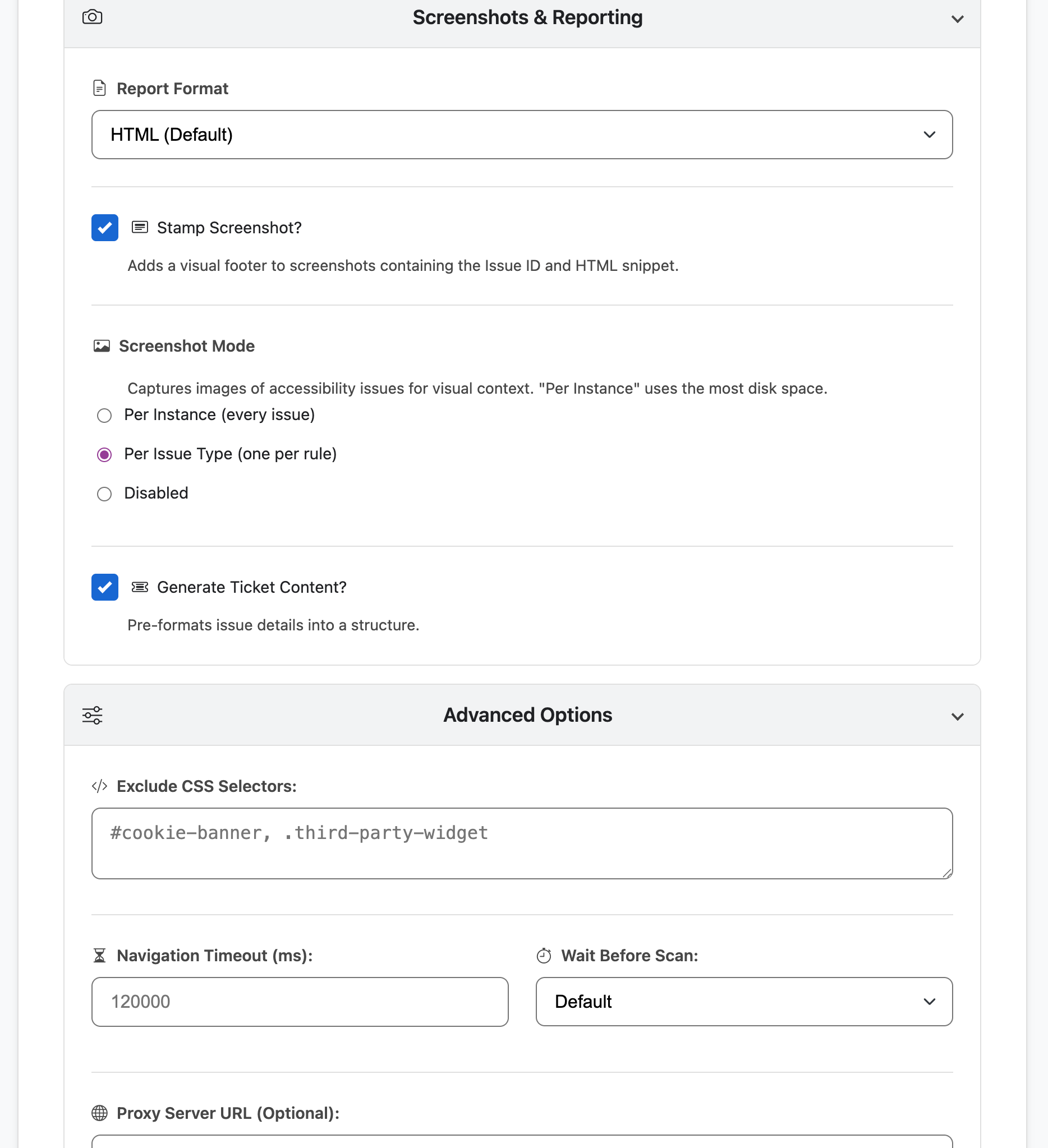
- Interactive Setup Wizard: A guided onboarding tool to automatically configure optimal settings. Choose your profile based on speed requirements, depth of audit, or specific compliance standards like WCAG 2.2.
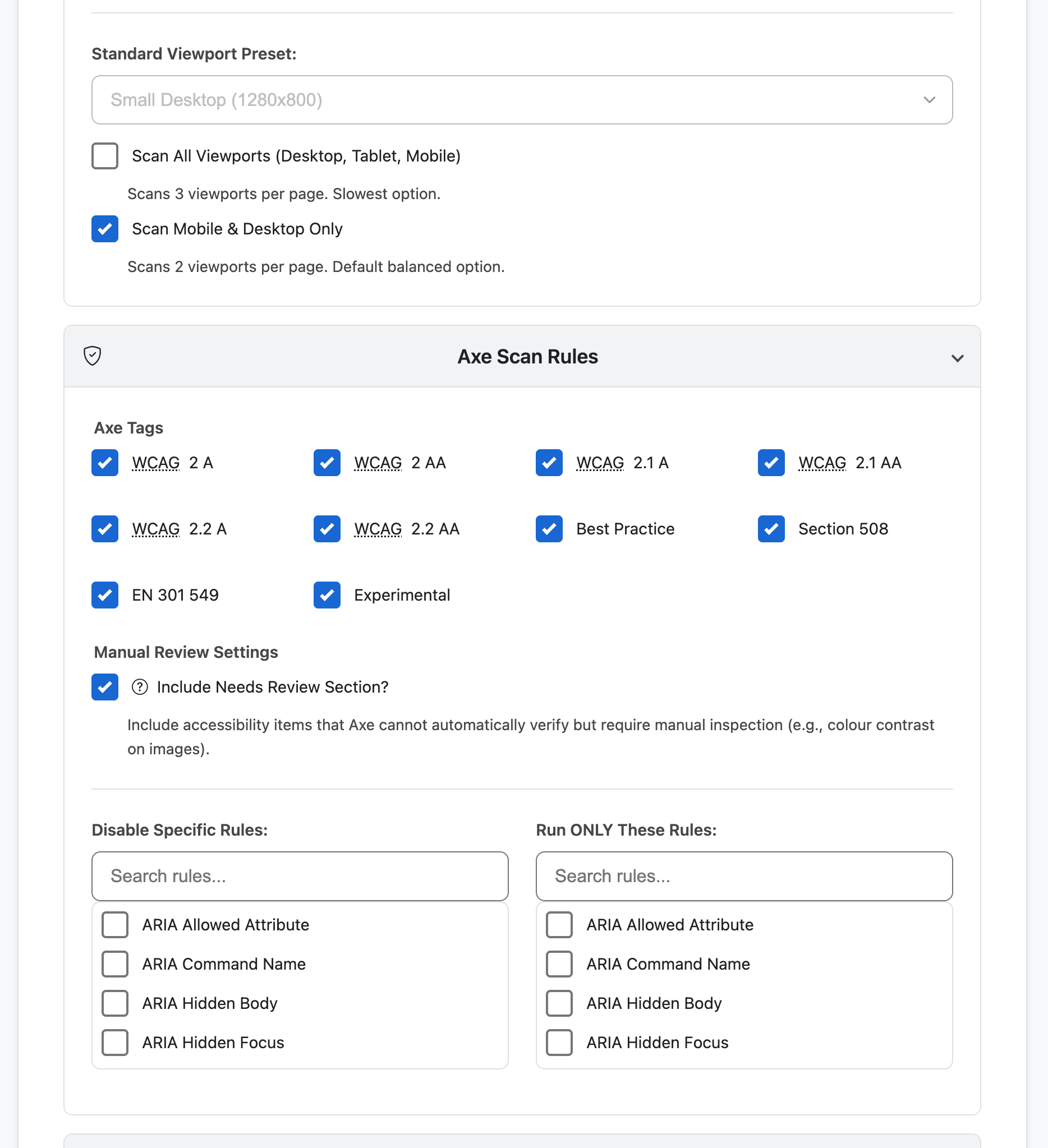
- Device & Viewport Emulation: Emulate specific hardware via presets (iPhone, Pixel, etc.) or custom parameters. Supports scanning all major viewports (Mobile, Tablet, Desktop) in one session for comprehensive responsive testing.
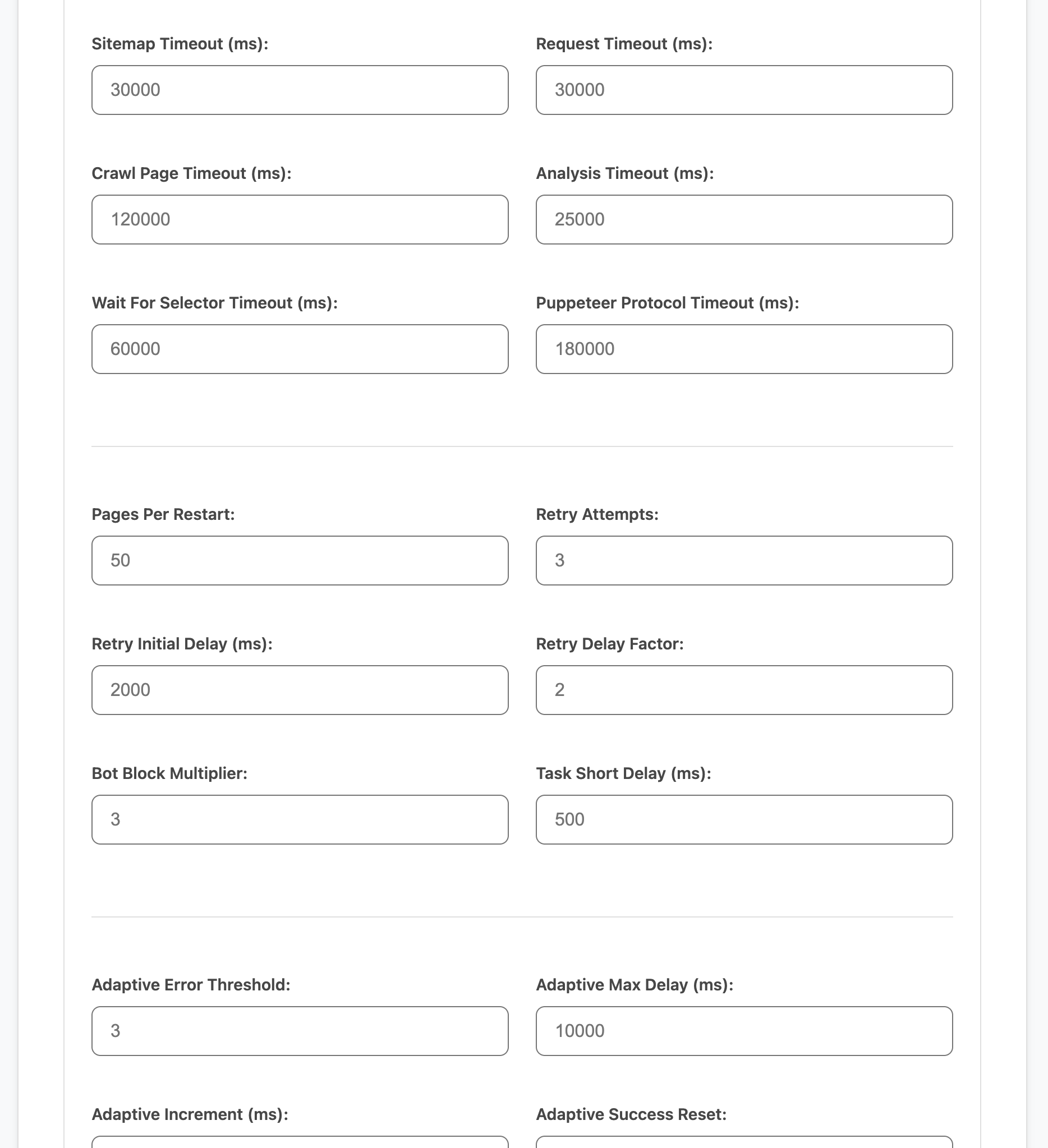
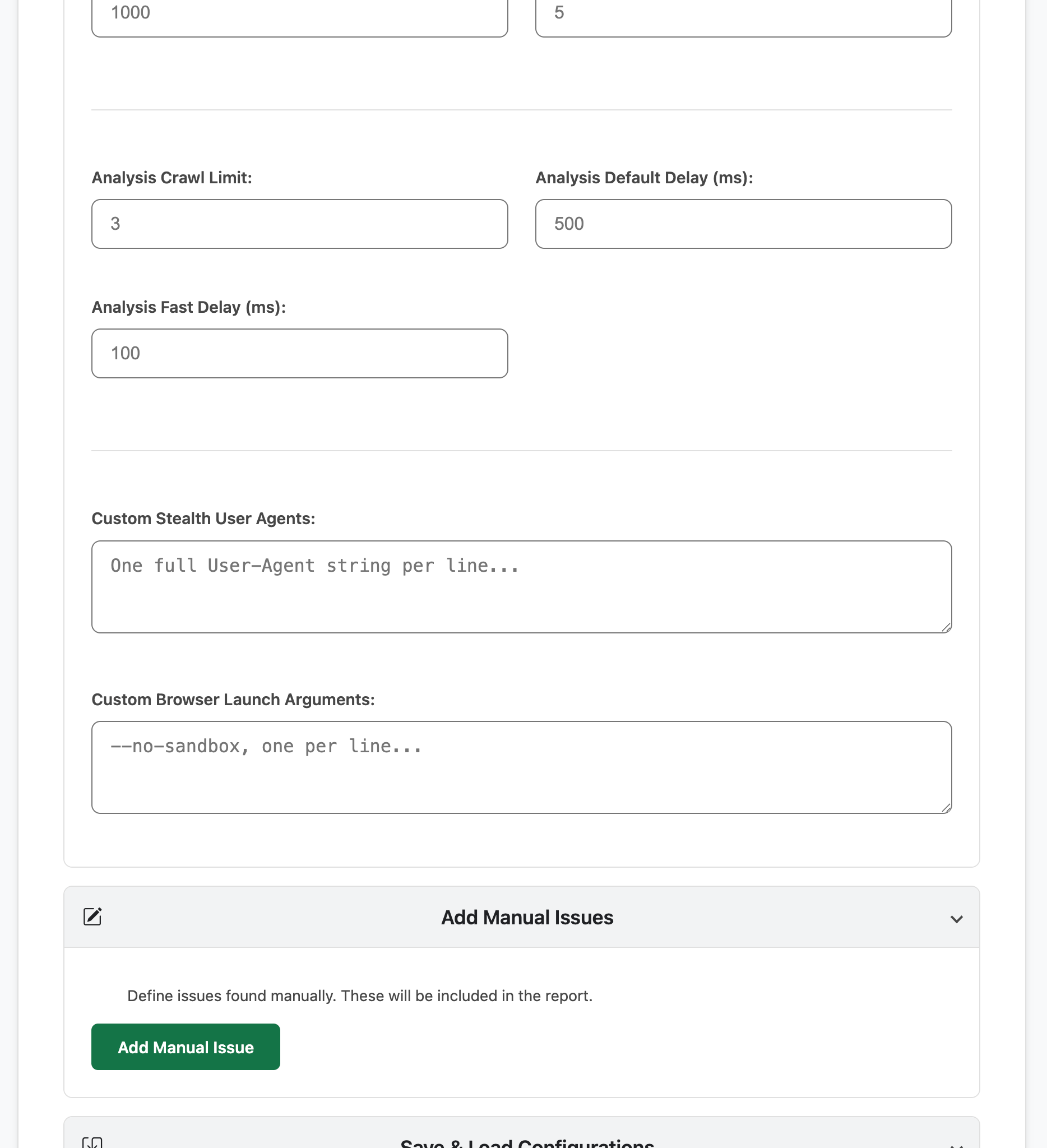
- Network Control: Detailed proxy routing via HTTP, HTTPS, or SOCKS and granular control over internal system timeouts to accommodate slow or unstable environments.
System Stability & Performance
- Intelligent Trap Avoidance: Employs Smart Crawl heuristics to detect and avoid "Crawler Traps," such as infinite calendar loops or repetitive URL parameters, ensuring the bot remains on track.
- Memory Guard Architecture: Prevents system crashes by offloading scan data to disk in real-time "chunks." Safely audit massive websites (1,000+ pages) without exhausting system RAM.
- Parallel Processing: Speed up large audits by spawning concurrent browser instances to perform discovery and analysis simultaneously.
- Self-Healing Watchdog: Automatically detects if a browser instance becomes unresponsive or crashes, silently restarting the process and resuming the queue to ensure scan completion.
- Privacy First (No Telemetry): The scanner operates entirely within your local network. No scan data, URLs, or reports are ever sent to external servers.
Reporting & Decision Support
- Interactive Review System: Potential issues found by the engine are categorised for manual review. Within the report, you can Approve or Remove findings; the report metrics and compliance scores update dynamically based on your decisions.
- Consolidated Dashboard: Self-contained HTML reports aggregate automated and manual findings. Each violation includes code snippets, remediation advice, and high-resolution evidence screenshots.
- Visual Defect Stamping: Optionally burn diagnostic data including Rule IDs, HTML snippets, and fix advice directly onto the evidence screenshots for streamlined developer communication.
- Streamlined Remediation: Export pre-formatted ticket content for Jira or GitHub, providing developers with exact CSS selectors and reproduction steps.
Additional Technical Features
- Initial Site Analysis: Probes a target stack to provide automated recommendations for optimal scan settings (Crawl delay, Stealth mode, etc).
- Granular Rule Logic: Customise the audit by disabling specific Axe rules or supplying an exclusive "Run Only" allowlist.
- PDF Tag Auditing: Performs structural checks on linked PDF documents to identify untagged or inaccessible files.
Support the Project
"A masterclass in automated auditing. This script goes far beyond basic accessibility testing by implementing 'humanised' browsing patterns, respectful robots.txt compliance, and adaptive delays to scan even the most fragile environments without breaking them. It’s rare to see a tool that balances such deep introspection with such careful, production-safe crawling logic."
This tool is developed and maintained in my spare time. Donations are entirely optional and never required to use the software.
Note: This application is under active development (Beta). Typical documentation is updated every major build.
By downloading, installing, or using the Accessibility Scanner Application, you agree to the Terms and Conditions. If you do not agree with these Terms, you are not permitted to use the Application.
SHA-256 For Executables
5.0.6.0 SHA-256 Checksum: f22c963489dc1674e03ad06147aad2cd4299614806631bd59e277404dc0ef4cc
Download
Click download now to get access to the following files:
Development log
- Update Log 5.0.6.0 - Major Update3 days ago
- Update Log 5.0.5.9 - Minor Update5 days ago
- Update Log 5.0.5.8 - Major Update7 days ago
- Update Log 5.0.5.7 - Minor Update11 days ago
- Third Party Licenses13 days ago